Written scope
The datasets, source formats, exclusions, mapping decisions and acceptance checks are agreed before identifiable data is supplied.
 OperiQ
Data migration
We agree the scope, review the available exports, report warnings and blockers and run a test migration before the final cutover.
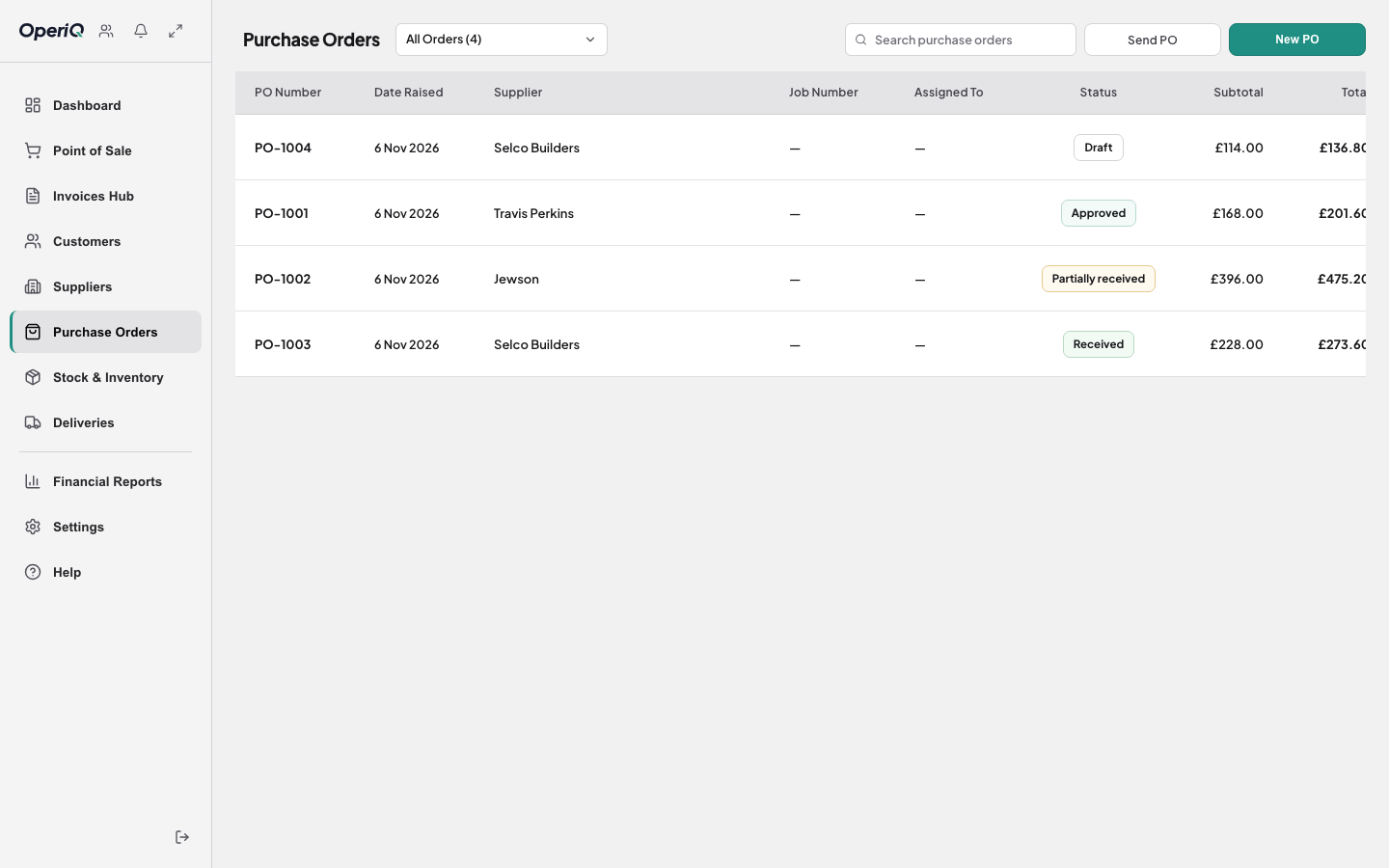
Before any import
The datasets, source formats, exclusions, mapping decisions and acceptance checks are agreed before identifiable data is supplied.
Preview and validation identify blockers, warnings, duplicates and unresolved references before apply.
Stock, balances, VAT and sample documents are checked before final go-live approval.
A controlled sequence
Migration scope depends on the current system, available exports and data quality. Everything included is confirmed in writing before work begins. No guarantee is made that every legacy field can be imported.
Do not send real merchant files through the public demonstration form. The approved authenticated migration process is used after account setup.