Built around the trade counter.

Connect sales, stock, purchasing, trade accounts and deliveries in one system.

See how it works
A warehouse worker selecting stock from industrial shelving
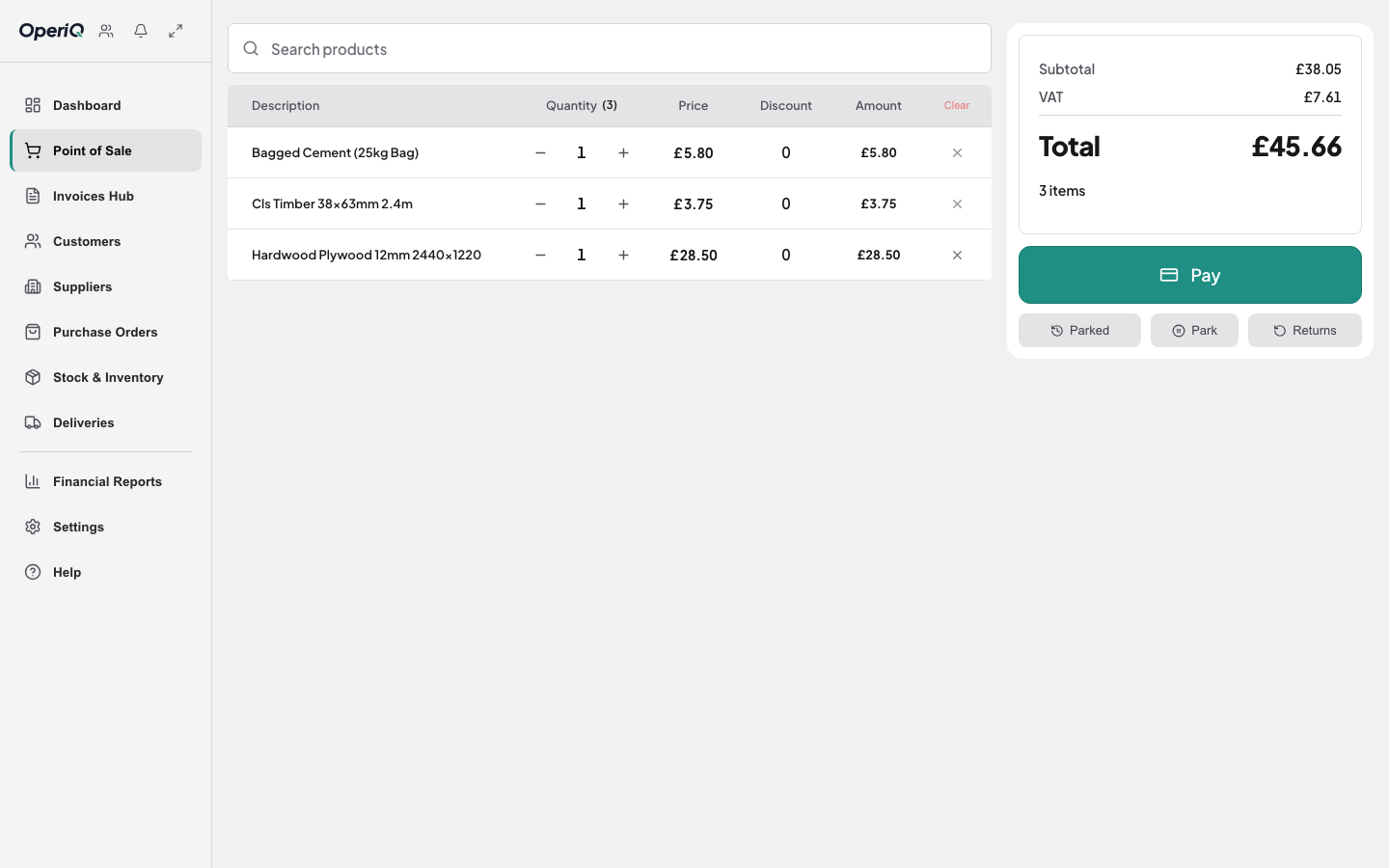
OperiQ Merchant point of sale with fictional products

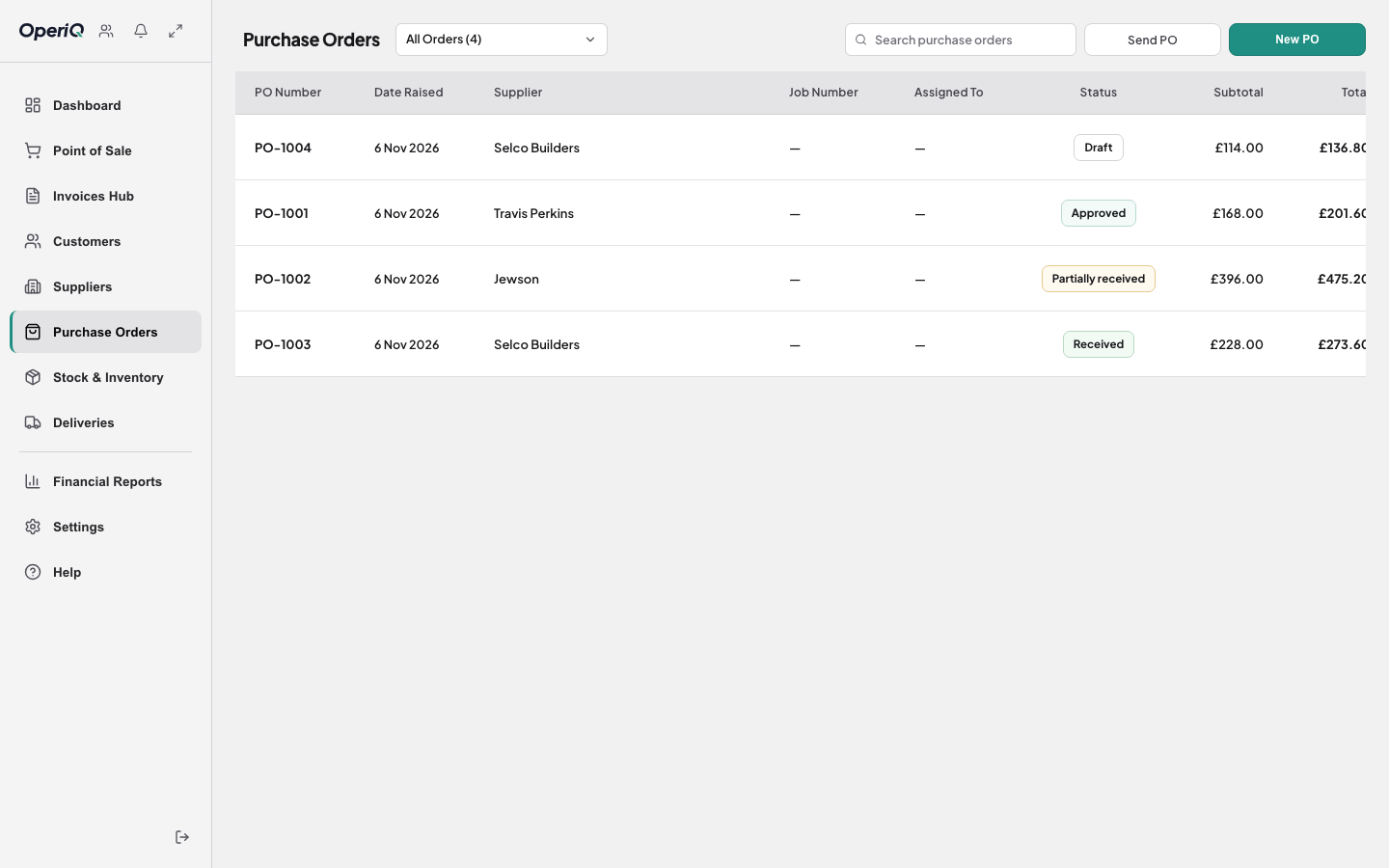
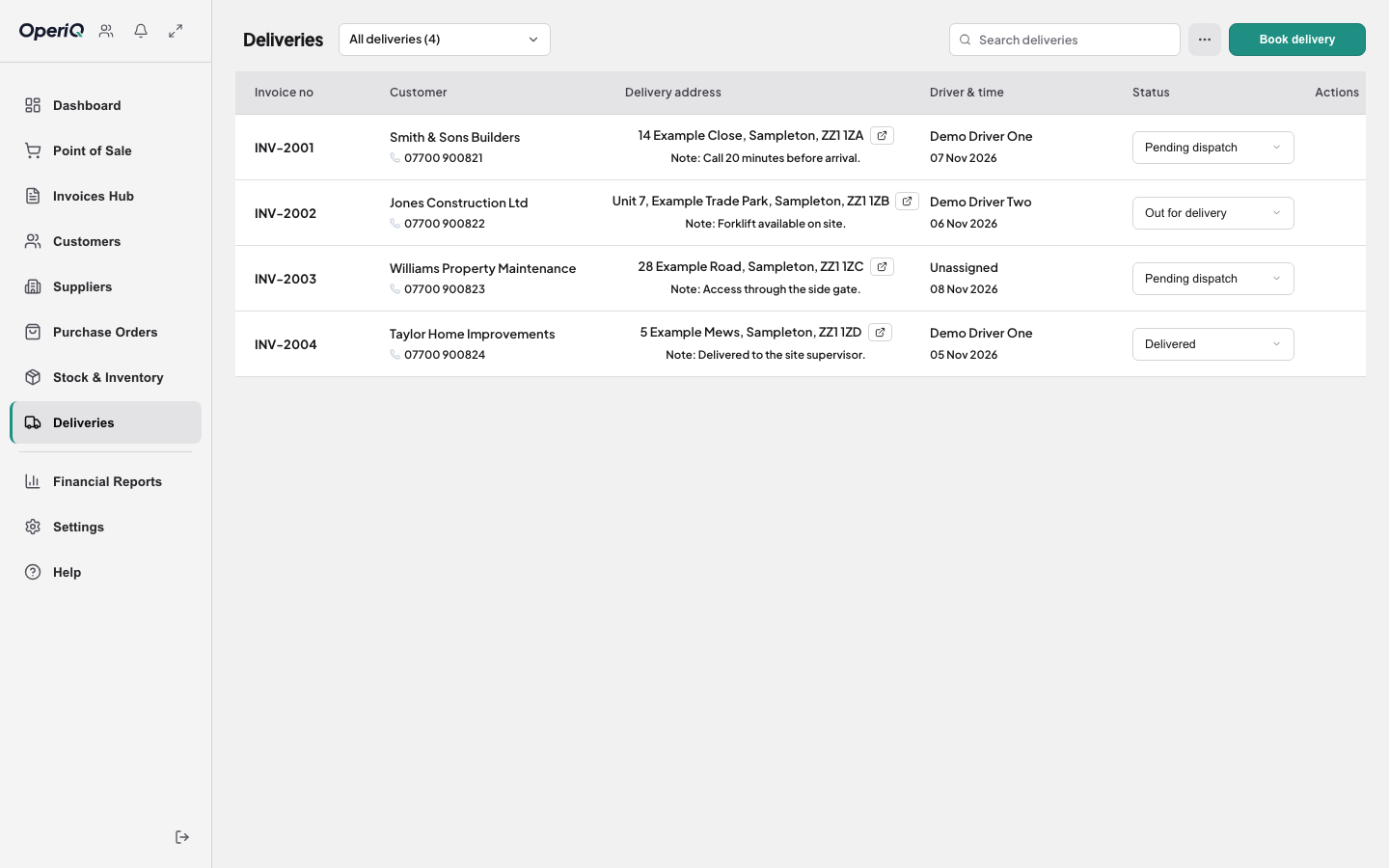
From sale to delivery.

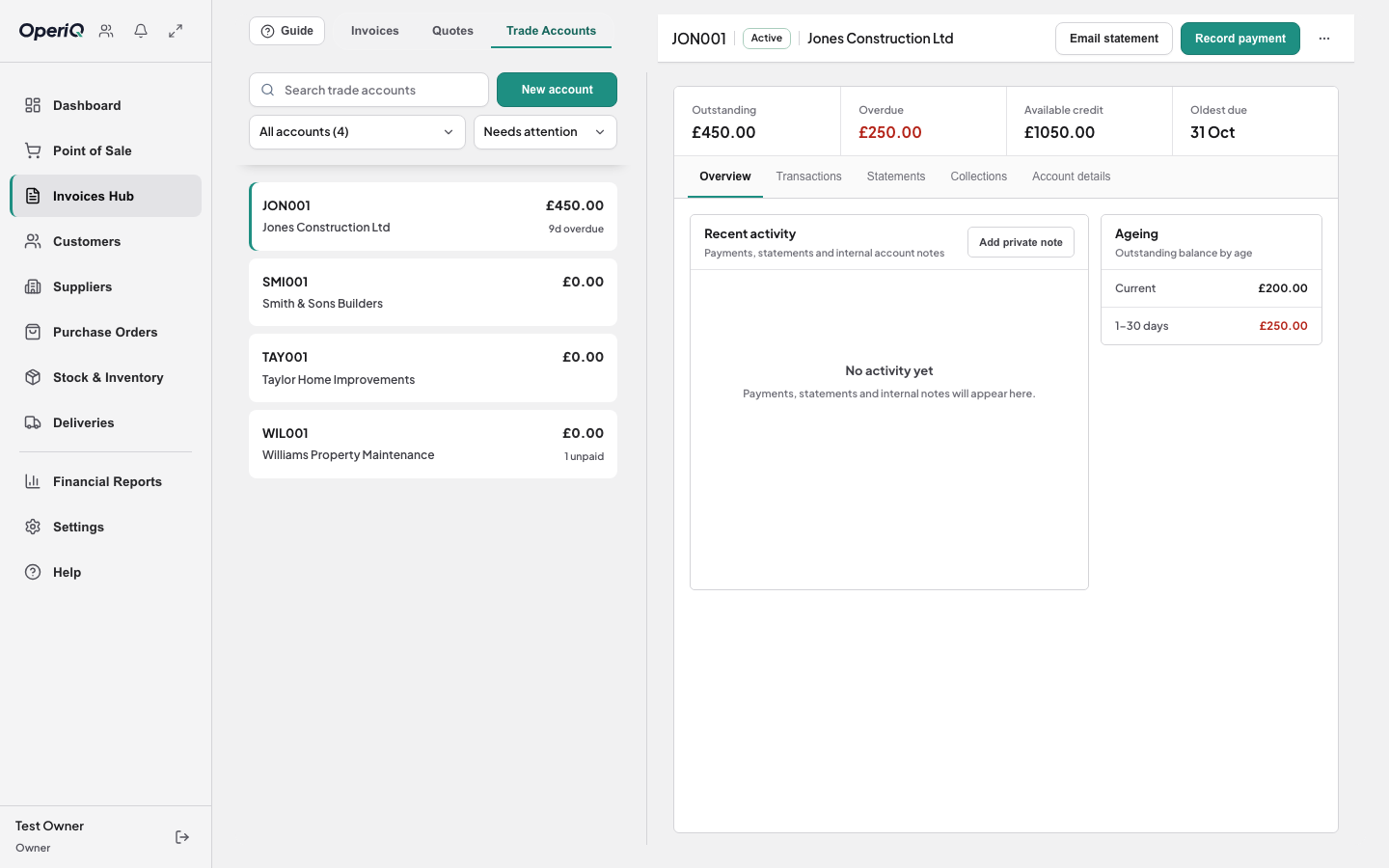
Customer pricing and account terms at the counter.

Explore counter sales

Product tour

Watch OperiQ in one minute.

Case study

One order. One connected record.

Follow an illustrative merchant order from the counter to delivery.

Read the case study

Two trade-supply staff reviewing work together at a merchant counter computer
Illustrative trade setting
OperiQ Merchant delivery planning using fictional demonstration data
Actual interface · fictional data

Industries

Built for merchant work.

Moving to OperiQ

Plan the move before launch.

Confirm the records, test the import and reconcile the result.

Scope depends on the available exports and data quality.See the switching process
  1. 01Agree

    Confirm what should move.

  2. 02Test

    Review warnings before applying anything.

  3. 03Reconcile

    Check stock, balances and sample documents.

Contact OperiQ

Business type

Use the product before deciding.

Open a private OperiQ workspace containing fictional merchant data. No card required.

Arrange a meeting

Explore OperiQ

Private demo with fictional data.

Business type (optional)

Fictional data only. Privacy notice

Already a customer? Sign in

01 · Counter sale

Complete the sale.

Take payment and keep the transaction connected to the customer record.

OperiQ-only product preview See one connected workflow

Illustrative interface and fictional demonstration data.

Your demo is ready

Your working demo is opening.

Explore the product in the new tab. When you are ready, book a guided conversation about your workflows and moving to OperiQ.