Availability
Review stock information from the product record before confirming what can be supplied.
 OperiQ
Stock & purchasing
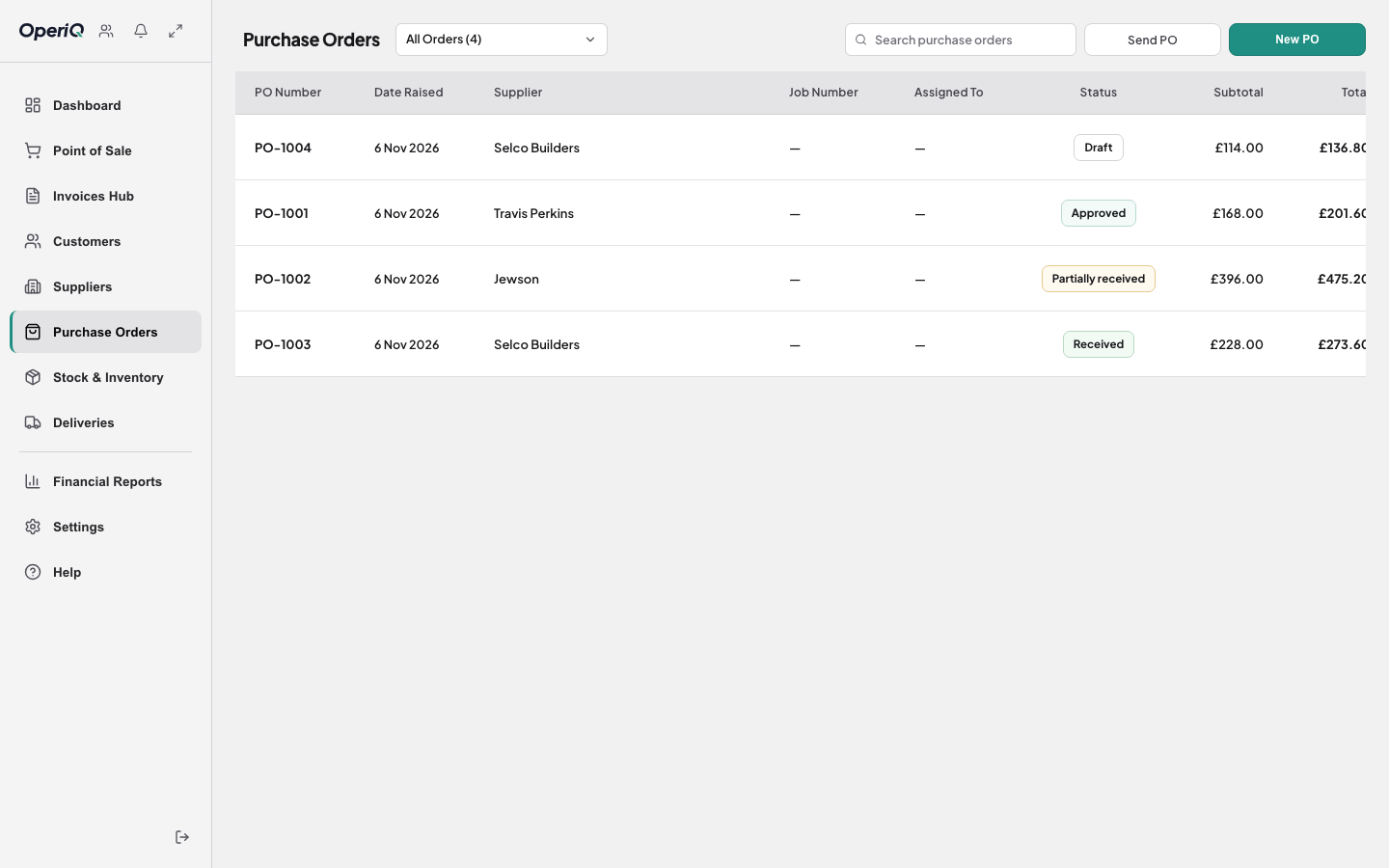
Connect product records, stock attention, purchase orders and goods receipt without treating the warehouse as a separate system.
Connected records
Review stock information from the product record before confirming what can be supplied.
Prepare and follow supplier orders using the same catalogue and supplier records.
Receive against the purchase order and review changes before updating stock.
Purchasing workflow
OperiQ Merchant presents stock, purchasing and receiving as connected merchant workflows. It is not being presented as a standalone warehouse-management system.
Use the working demonstration to explore the real interface with fictional data.