Book from the invoice
Start with the customer and order information already held in OperiQ.
 OperiQ
Deliveries & proof
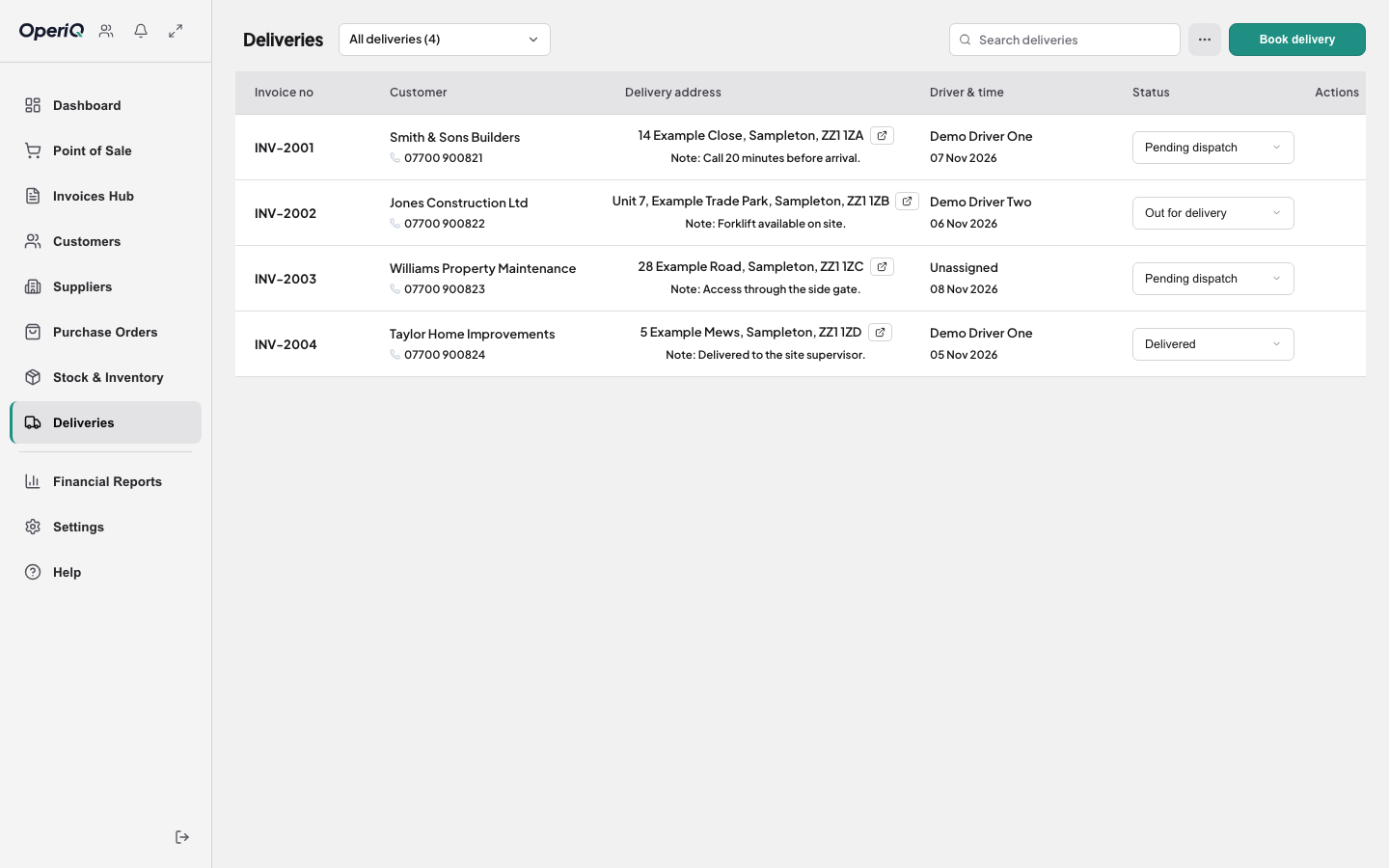
Book from the commercial record, assign the work and retain proof without rebuilding the same information elsewhere.
Fulfilment
Start with the customer and order information already held in OperiQ.
Keep delivery timing and driver assignment visible to the authorised team.
Connect completion evidence to the original commercial record.
Delivery workflow
The working demonstration uses fictional addresses and orders.