Search and add lines
Find products by the information already held in the catalogue and build the sale in one place.
 OperiQ
Counter sales
Find a product, apply the customer’s terms and keep collection or delivery attached to the same transaction.
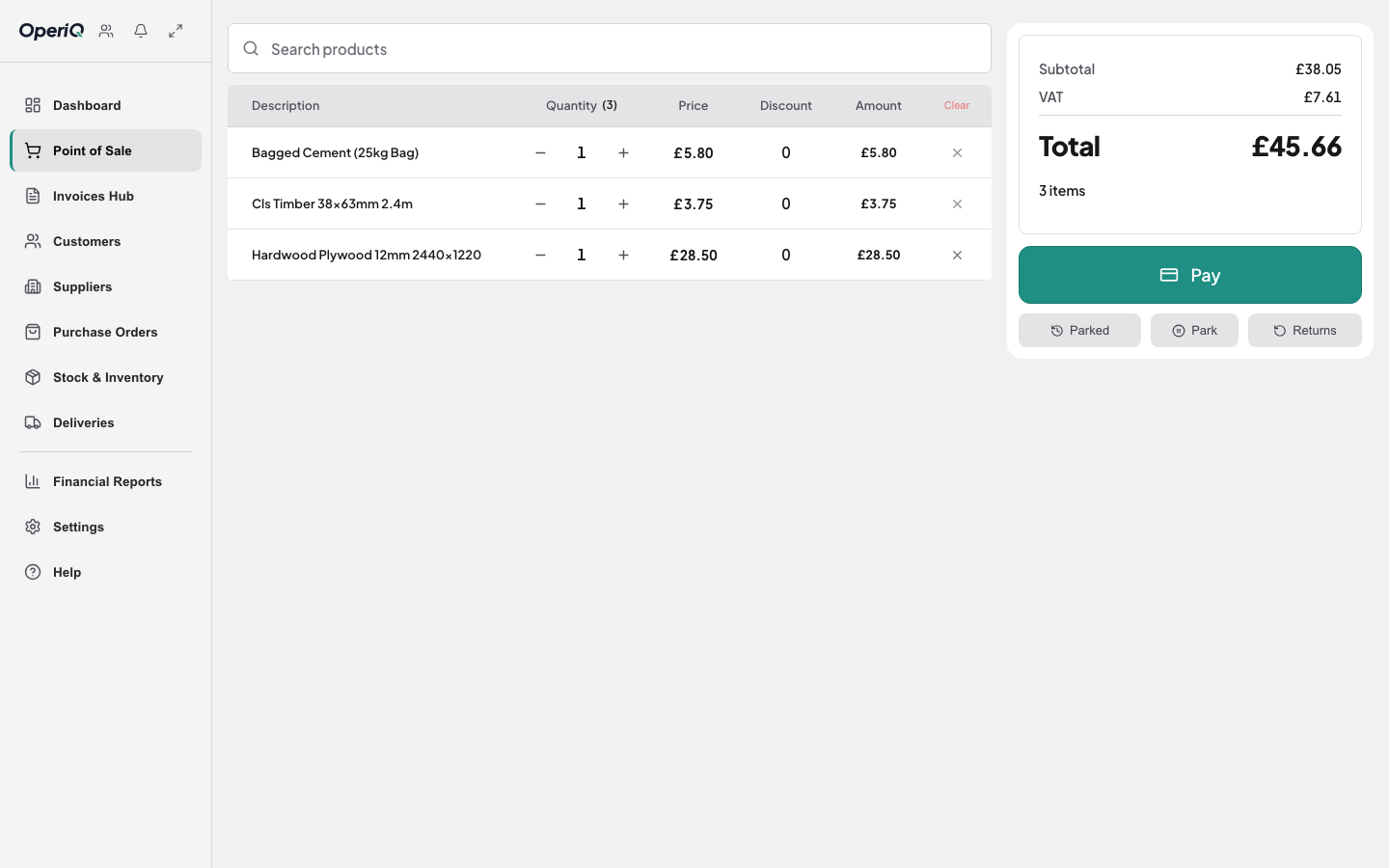
At the counter
Find products by the information already held in the catalogue and build the sale in one place.
Keep agreed pricing, account status and contact details connected to the transaction.
Keep collection or delivery instructions with the originating sale rather than on separate paper.
One record
Explore the product with fictional merchant data, then show us the workflow that matters in your business.