Invoices and balances
Review the customer’s documents and current position from the connected account record.
 OperiQ
Trade accounts
Connect invoices, balances, credit limits and account stops to the customer record used by the sales team.
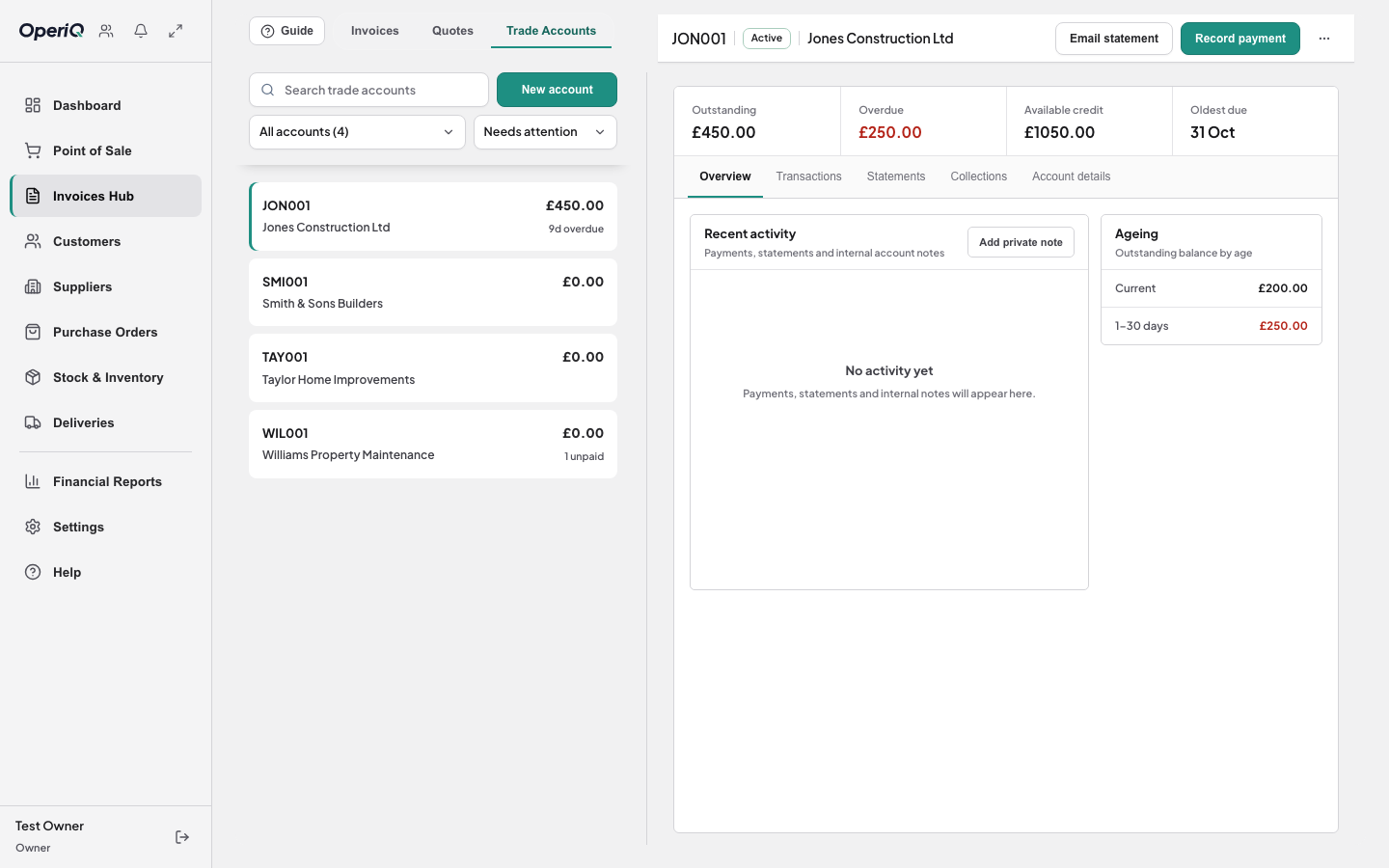
Customer position
Review the customer’s documents and current position from the connected account record.
Keep credit limits and account stops visible to authorised staff where the sale is prepared.
Prepare account statements from the documents already recorded in the system.
Roles and control
OperiQ uses role-based permissions inside each merchant account. Demonstrations use fictional records and do not expose another merchant’s information.
See the customer information needed to complete the transaction.
Review invoices, allocations, balances and statement preparation.
Control roles and access within the merchant’s own account.
We will show the relevant workflow using fictional demonstration data.