Operational position
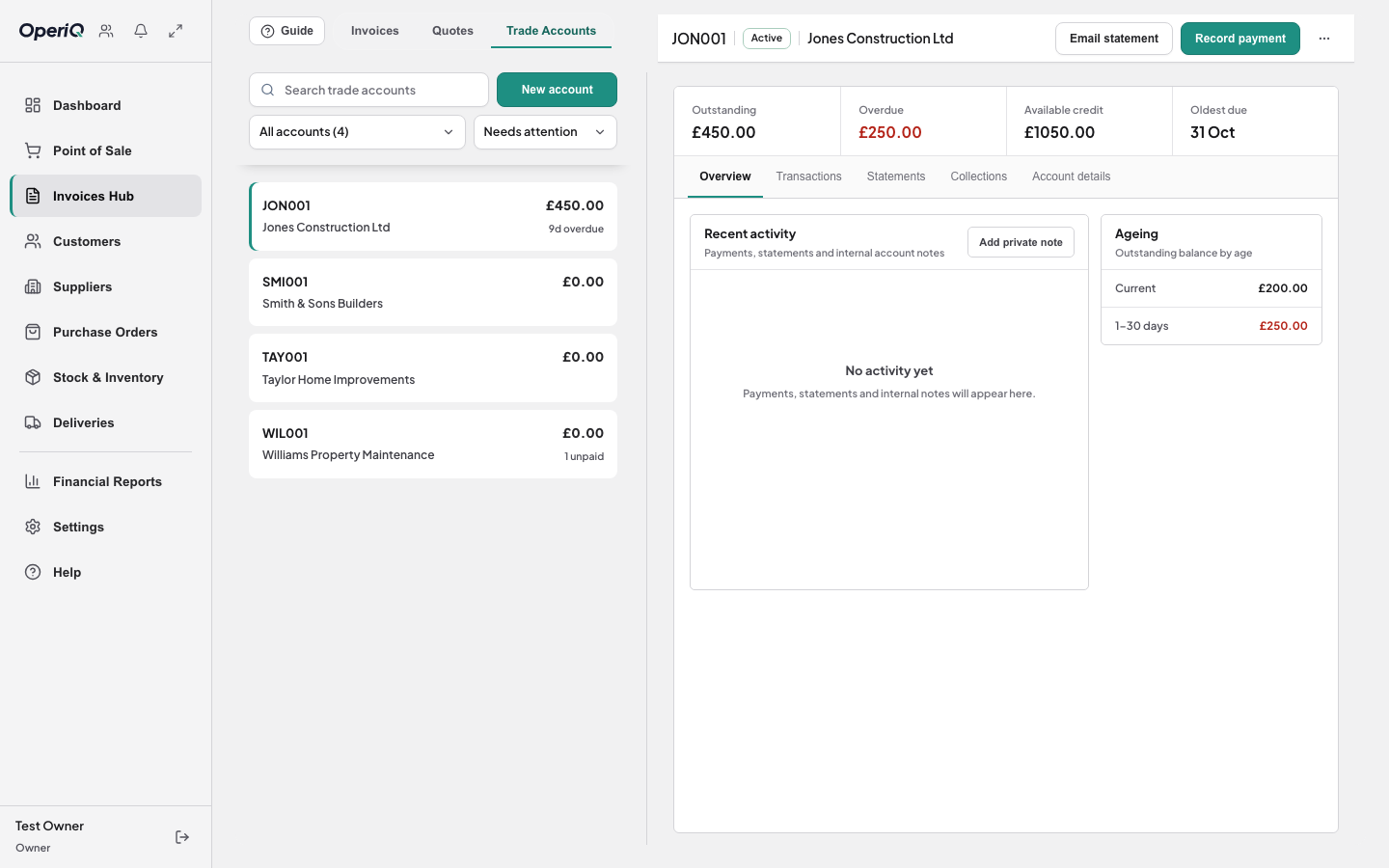
Review activity using the sales, purchasing, stock and delivery records already held in OperiQ.
 OperiQ
Reporting & administration
Use operational and financial reports alongside the same sales, purchasing, account and stock records used day to day.
Working information
Review activity using the sales, purchasing, stock and delivery records already held in OperiQ.
Use the product’s financial reporting areas subject to the permissions assigned inside the merchant account.
Prepare business exports from the merchant’s own isolated account.
The demonstration is intended to show the available product areas and fictional data. Final reporting requirements should be confirmed during discovery.
We will show the closest relevant workflow and identify anything that requires confirmation.