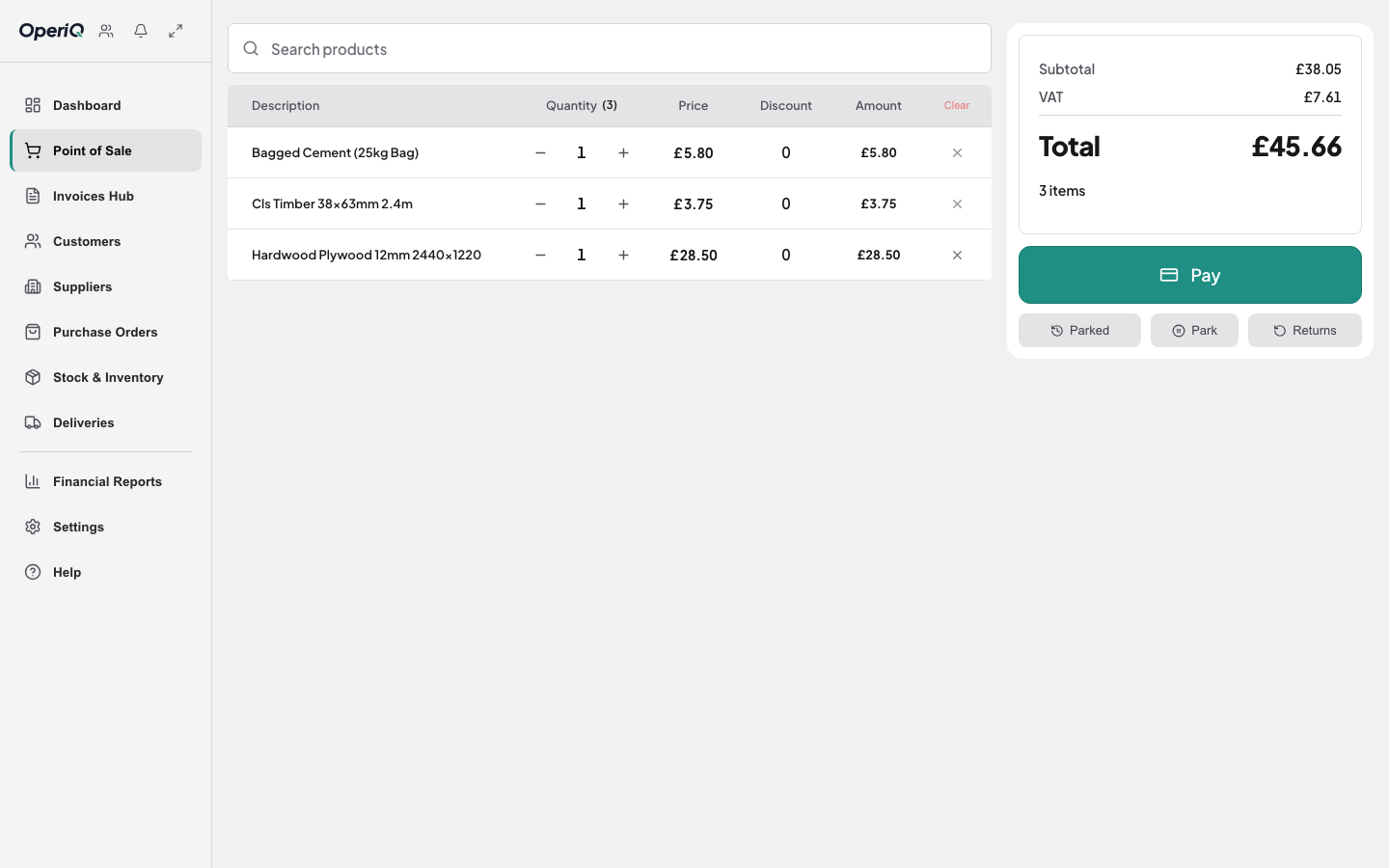
Point of saleRiverside Trade Supplies
Search products or scan a barcode
Portland Cement 25kg4£26.00
Treated Timber 4×28£89.60
Account price · VAT included£115.60
Stock positionUpdated now
BLK-100Dense concrete block7.3N · 100mm
Physical164
Reserved48
Incoming120
Available to promise116
Supplier invoice import3 lines found
MatchedPortland Cement 25kg40
MatchedTreated Timber 4×220
ReviewCLS Timber 38×63mm12
Trade accounts
Keep the complete customer account together.
Balance, credit, terms, addresses and transaction history.
Trade account workflow →Riverside Build LtdTrade account
Current balance£4,280.60£7,719.40 available
DeliveryWestfield site · York
Terms30 days
Delivery runReady to assign
Scheduled4 stopsAll stock reserved
VehicleTo be assigned
ProofRequired on completion
- Sales
- £5,284
- Gross margin
- 31.8%
- Cash to collect
- £641
Example workspace
Explore the working product.