
Practical answers to merchant software questions.
Detailed guidance for assessing counter sales, stock, trade accounts, delivery and the work involved in changing systems.
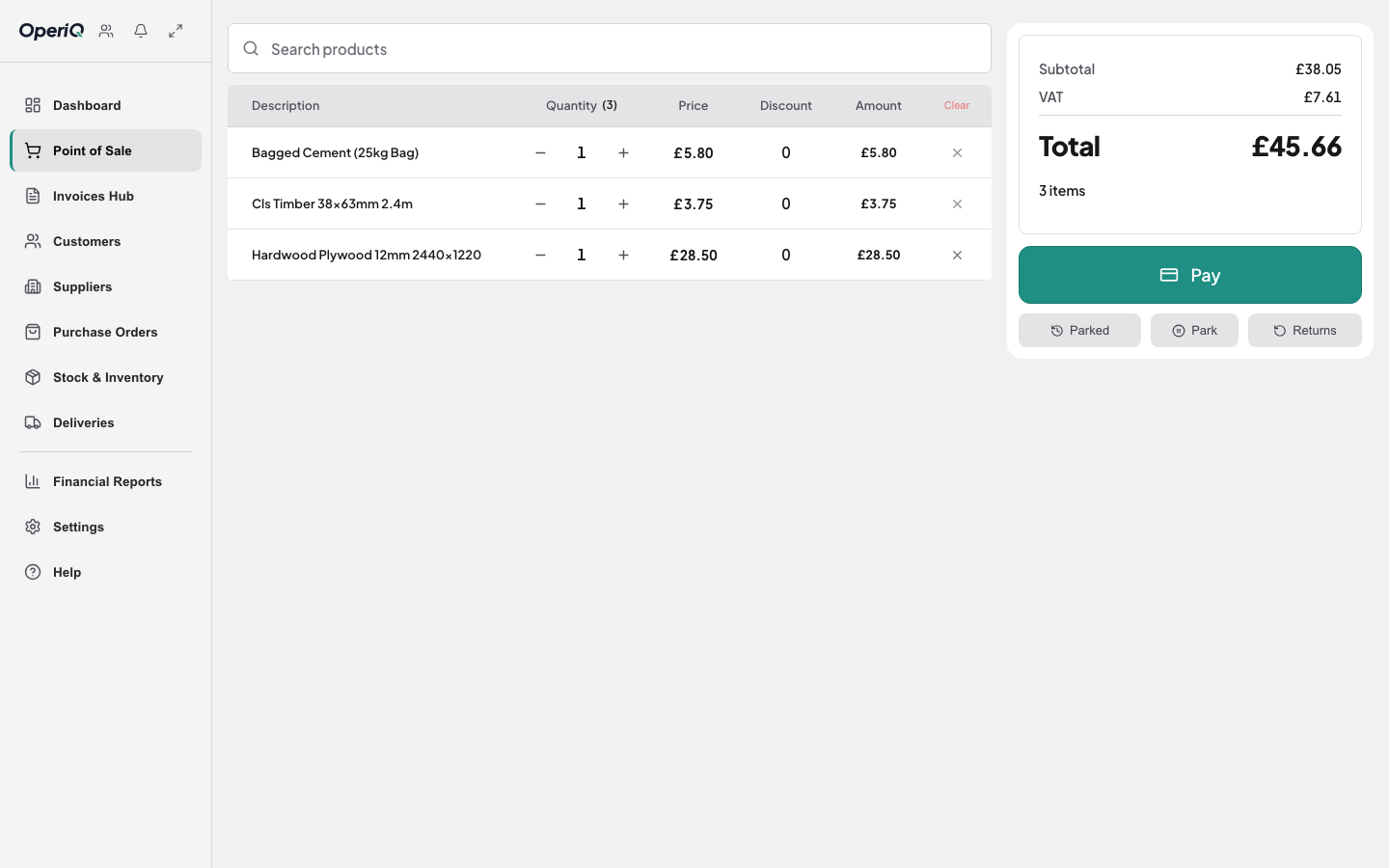
Start with the decision in front of you.
Each guide addresses one operational question and sets out what to inspect, ask and test.
01→
02→
03→
04→
05→
06→
07→
08→
09→
10→
11→
12→
13→
14→
15→
16→
17→
Buyer’s guide
How to choose builders’ merchant software.
Assess counter sales, stock, purchasing, trade accounts, delivery and migration.Trade counter guide
Builders’ merchant EPOS is more than a till.
Understand the difference between retail EPOS and software designed around merchant workflows.Commercial control guide
Keep the customer and the price together.
Review customer-specific trade pricing, account context and price control at the counter.Stock and purchasing guide
Stock control begins with the promise at the counter.
Connect availability, reservations, purchase orders, goods receipt and stock attention.Switching guide
Plan the merchant software move before the cutover.
Plan scope, data validation, test imports, reconciliation, training and launch approval.Delivery guide
Proof of delivery should begin with the order.
Keep delivery planning, site details, assignment and completion evidence connected.Stocktake guide
A useful stocktake explains the difference.
Plan, count, review and reconcile a merchant stocktake without blind overwrites.Illustrative examples
Merchant workflows, without invented customer claims.
Follow clearly labelled fictional counter, stock, account and delivery examples.Trade account guide
Credit limits need context at the counter.
Review how limits, balances, overdue invoices and account stops should inform a sale.Demonstration checklist
Questions to ask during a merchant software demo.
Use real operational scenarios to distinguish a working system from a feature tour.Migration checklist
Prepare the records before the migration.
Agree the scope, preserve the source, expose uncertainties and reconcile a test import.EPOS trial guide
Trial the workflow, not the feature list.
Test complete merchant scenarios, including the awkward exceptions, before deciding.Stock control guide
A stock difference is a question, not a new quantity.
Trace the movements, protect the count and make every adjustment explainable.Delivery paperwork guide
Delivery paperwork should follow the order.
Keep site instructions, load details and completion evidence connected to the sale.Cost comparison guide
Compare the whole cost, not one monthly number.
Separate subscription, setup, migration, hardware, support and internal change.Buyer’s checklist
Compare the working day, not the longest feature list.
Give every supplier the same scenarios, questions and evidence standard.Delivery operations guide
Delivery planning should begin with the order.
Connect the sale, site information, assignment and completion evidence.Examples are labelled. Customer proof is verified.
A genuine customer story will only be published after the customer approves the identity, wording and any stated outcome. The current case-study layout is clearly marked as fictional.
Review the example format →