Promise accurately
See available, reserved and incoming stock before agreeing collection or delivery.
 OperiQ
Builders’ merchant software
UK merchant software for selling, reserving stock and arranging fulfilment from one commercial record.
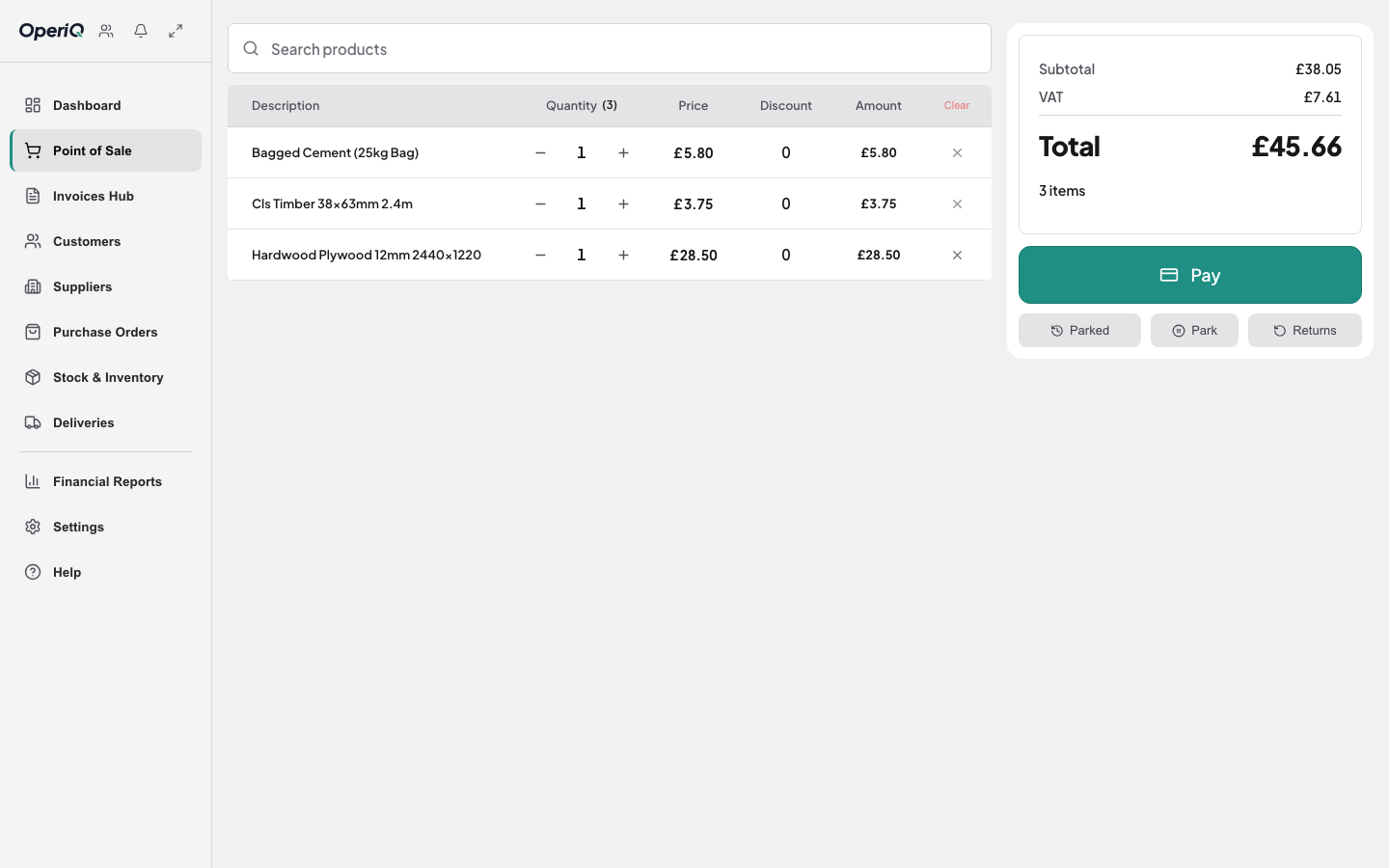
The working day
See available, reserved and incoming stock before agreeing collection or delivery.
Keep the customer, trade price and account terms visible at the counter.
Carry the same order into picking, delivery and invoicing.
Built for merchant operations
Four connected areas, without forcing the whole system onto one screen.
Process quotes, cash sales and account sales while checking customer terms, live pricing and stock from one workspace.
Move from stock attention to purchase order and goods receipt, with supplier paperwork attached to the record.
Keep balances, limits, terms, invoices and transaction history connected to the customer.
Retain the site address, notes and fulfilment status from the original sale through to supply.
Connected merchant records
Whether the business is described as a builders’ merchant, builder’s yard or building-supplies branch, a counter sale rarely ends at the till. The customer, agreed price, account position, stock promise and fulfilment choice need to remain attached to the same commercial record as the order moves through the branch.
Stock control then needs to distinguish what is physically present, already committed and expected from suppliers. Purchasing and goods receipt should update that position without staff recreating the counter decision in a separate system.
For account customers, the invoice and balance need the context of the original sale. For collection and delivery, the team needs the right quantity, address, notes and completion evidence without retyping the order.
Read the software buyer’s guide →OperiQ Pay · available now
Send the approved total to the connected terminal, then return the result to the original sale—ready for refunds, account settlement and reconciliation.
See it with merchant data
We’ll show how the counter, stock, account and fulfilment record stay connected.